$700
Raised
1
Major community event
2
Students making it happen
Our story
Two students. One big idea.
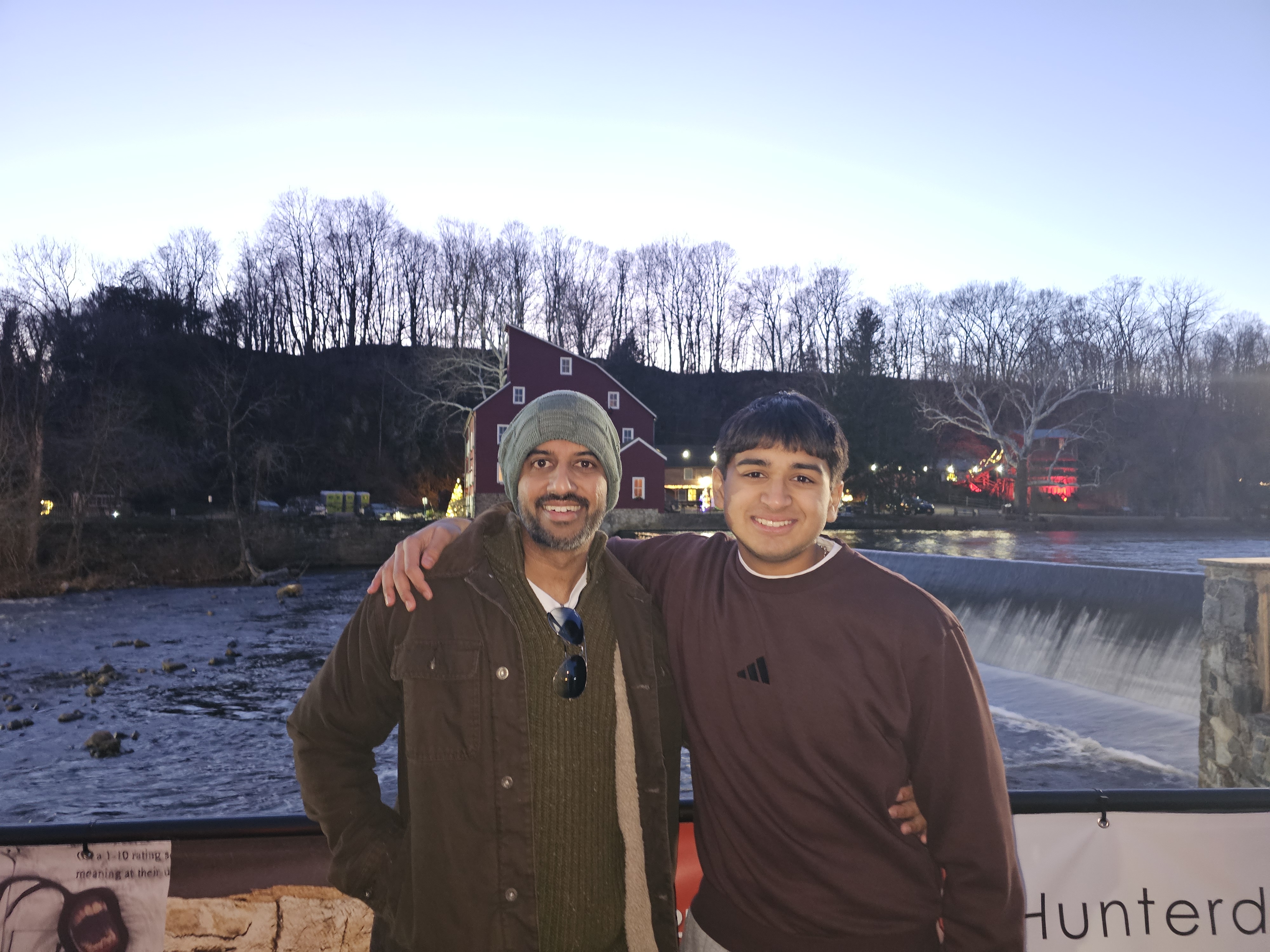
We're Chinmay and Medha — siblings from Hunterdon County who saw food insecurity in our community and decided not to look away. What started as a conversation became a movement, powered entirely by students.
🎄
$700
Raised

Festival of Trees — Red Mill Museum, Clinton NJ

Our first major event raised $700 for local food relief at the beloved Festival of Trees at the historic Red Mill Museum. Two determined kids — one powerful result.

C

Chinmay

Age 16 · Co-founder

"I wanted to show that young people can create real change. Food shouldn't be a luxury for anyone in our county."
M

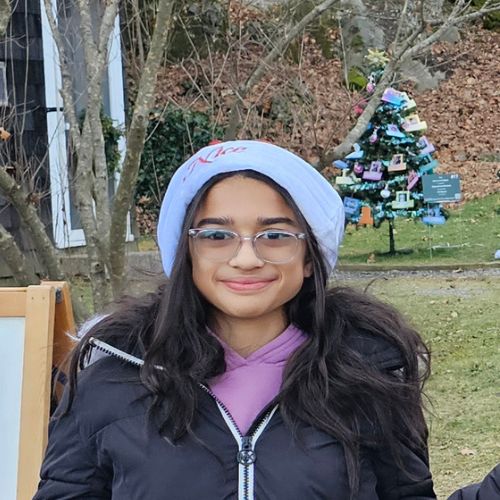
Medha

Age 10 · Co-founder

"When I found out some kids didn't have enough food at home, I told my brother we had to do something. So we did."

Upcoming events
Come pop out with us.
Every drive is open to the whole community. Drop off donations, pick up supplies, or just come say hi.
Loading events...
Community needs board
How you can help right now.
Real needs from real neighbors — reviewed and anonymized by our team to protect privacy. Click "I can help" and we'll connect you directly.
Loading needs...
Loading community needs...
How this works: These requests have been reviewed and anonymized by our team. Names, addresses, and contact details are never shown publicly. When you click "I can help," we reach out to coordinate — you'll always connect through Pop Out Hunger, never directly.
Need food?
We're here — no judgment, ever.
Fill out the short form below. We'll review your request, connect you with local resources, and — with your permission — post an anonymized version to our community board so neighbors can help directly.
Your information is kept private and never shared without your permission.
Volunteer
Pop out with us.
Many ways to help — big and small. Join our growing team of community volunteers in Hunterdon County.

Drive-day helper

Sort, pack, and hand out donations at food drives. Great for all ages.

Food collector

Pick up donations from local drop sites and bring them to distributions.

Spread the word

Share events, post flyers, or talk to local businesses about donating.

Business partner

Host a drop box or sponsor a drive. We'll handle everything else.

Support our mission
Every dollar feeds a neighbor.
100% of donations go toward food and distribution. We're students — we keep overhead at zero. Your contribution goes directly to families in Hunterdon County.

Admin Panel

Review incoming requests · Approve anonymized cards for the community board · Manage published needs

Follow these one-time steps to connect your Google Sheets backend. Takes about 15 minutes.
1

Create two Google Forms

Go to forms.google.com and create two separate forms:

Form A — Food Help Request with these fields:

Field nameType
NameShort answer
Town / ZipShort answer
What do you need?Dropdown
EmailShort answer
Tell us moreParagraph
Board OK?Checkbox

Form B — Volunteer Signup with: Name, Email, Phone, Town, How you'd like to help, Notes

2

Link both forms to a single Google Sheet

In each form, click Responses → Link to Sheets. You can link both to the same spreadsheet — they'll create separate tabs. Name that spreadsheet Pop Out Hunger — Submissions.

3

Create a "Community Board" tab in the sheet

Add a third tab called Community Board with these exact column headers in row 1:

ColumnWhat to put here
areae.g. "Flemington area"
typeGroceries / Produce / Baby food / Delivery
descAnonymized description
datee.g. "Apr 12"
statusopen or claimed

When you approve a request, manually add a row here. This is what the public board reads from.

4

Publish the Community Board and Events tabs as CSV

In Google Sheets: File → Share → Publish to web. Do this twice — once for the Community Board tab and once for the Events tab, both as CSV. You'll get two URLs.

https://docs.google.com/spreadsheets/d/YOUR_SHEET_ID/gviz/tq?tqx=out:csv&sheet=Community+Board
5

Paste the URL into this website's code

Open popouthunger.html in a text editor. Find this line near the top of the <script> section:

const SHEET_CSV_URL = 'YOUR_GOOGLE_SHEET_CSV_URL_HERE'; const EVENTS_CSV_URL = 'https://docs.google.com/spreadsheets/d/e/2PACX-1vSY2V3pFKPovQjtJKPmRyBxajxATvqi_-JnO-scOodMRjQc2TMY24kDvItuZlzfeimwj90_Sqe9E1Ea/pub?gid=802653876&single=true&output=csv'; // e.g. 'https://docs.google.com/spreadsheets/d/ABC123/gviz/tq?tqx=out:csv&sheet=Events'

Replace YOUR_GOOGLE_SHEET_CSV_URL_HERE with the URL you copied in step 4. Save the file. The board will now live-load from your sheet.

6

Replace the form action URLs

In the HTML, find FOOD_HELP_FORM_ACTION_URL and VOL_FORM_ACTION_URL and replace them with your Google Form action URLs. To find these: open each Form → click the 3-dot menu → Get pre-filled link, then change the base URL to end in /formResponse instead of /viewform.

7

Host the site (free options)

Upload popouthunger.html (rename it index.html) to any of these free hosts:

pages.github.com — free, reliable, good for nonprofits

netlify.com — drag and drop your file, instant live URL

tiiny.host — simplest of all, upload and share